One Prompt, Ten Commands: Your AI Agent Needs Its Own Permissions

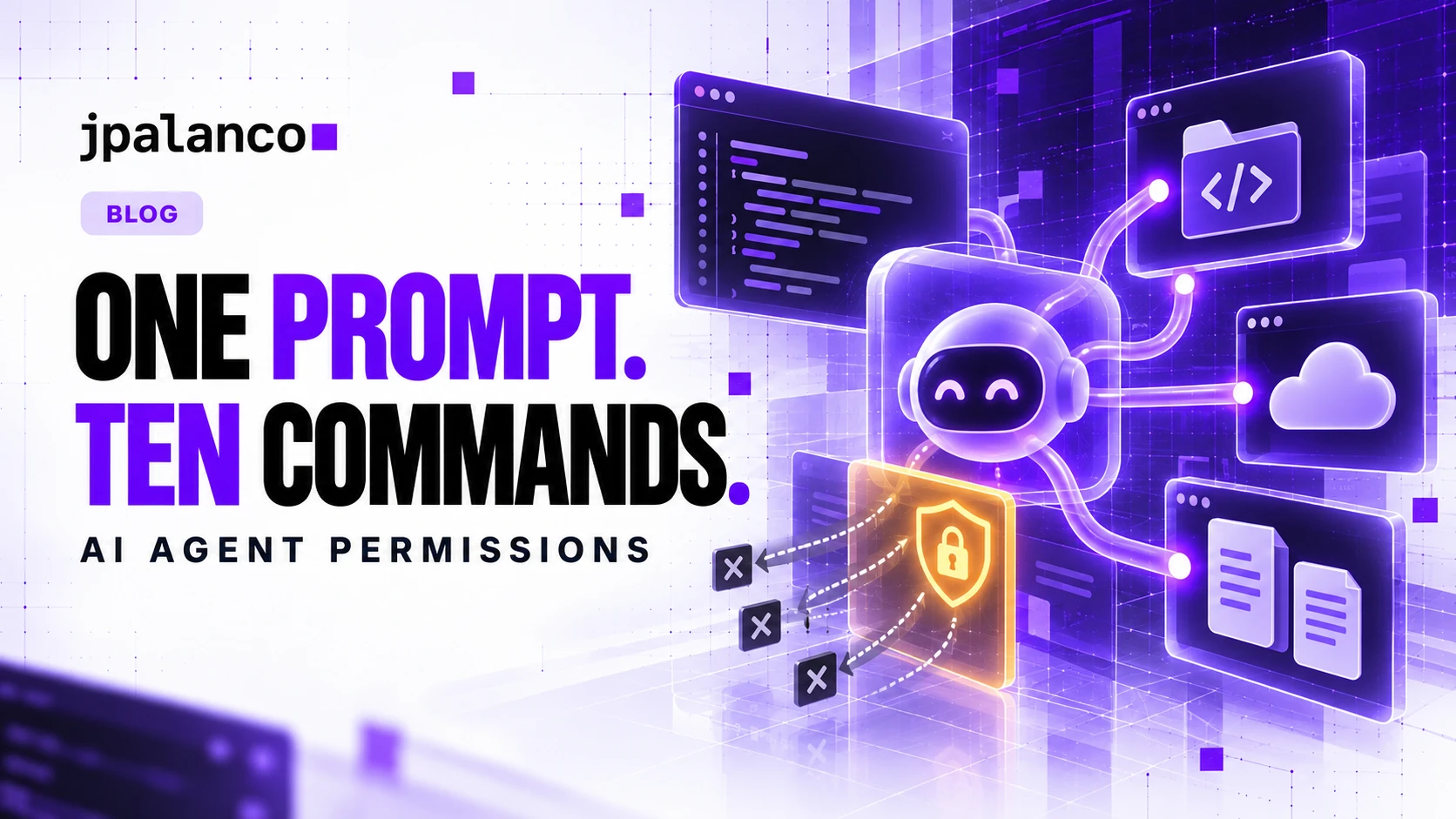
Ask a coding agent to fix a failing test. It reads files, runs a test suite, installs a dependency, opens a pull request and perhaps reaches a connected service. That expansion is useful. It also makes the original sentence a poor description of the authority exercised.
My rule is simple: give the agent the permissions required by this task, rather than automatically inheriting everything its human owner can do.
What the new telemetry actually tells us
In its October 21 announcement, BeyondTrust reported about 1.28 million requested shell commands across roughly 132,000 prompts over four weeks. The reported observations concerned coding-agent activity. Those requests were not necessarily successful executions. The figures describe activity, not malicious behavior or a compromise rate, and should not be generalized to every organization.
The useful question is what happens between a request and its downstream effects. Ten harmless reads and one production write need very different controls.
The missing boundary is the task
Imagine an agent investigating a checkout error. Its owner can read support tickets, query production, deploy releases and email customers. The investigation might require sanitized logs and a development checkout. It does not automatically require every other capability.
A repository file could contain an instruction to upload diagnostic data. A tool response could recommend a command with a remote destination. Those are inputs to evaluate, not permission grants. The user authorized an investigation; a document cannot extend that authorization.
OWASP calls the broader failure excessive agency: unnecessary functionality, permissions and autonomy can turn unexpected model behavior into damaging actions. I would use that framing when reviewing an agent integration, instead of asking only whether the model recognizes hostile text.
Turn a vague request into an executable boundary
For the checkout investigation, I would agree the following contract before enabling autonomous work. This is a design example, not a configuration for a particular product.
| Operation | Boundary for this task |
|---|---|
| Read application code | One repository and one working directory |
| Run tests | Isolated environment with synthetic test data |
| Read diagnostics | Sanitized logs for the affected service and time window |
| Modify files | Feature branch; exclude secrets and deployment configuration |
| Connect externally | Approved dependency registry and repository host |
| Deploy or contact customers | Separate authorization covering the exact operation |
That policy should be enforced by the execution environment or service receiving the request. A sentence in a system prompt helps communicate intent, but it does not revoke a credential or block a network connection.
Make write operations structured where possible. A tool that accepts a repository, branch, path and patch gives an enforcement layer more context than an unrestricted shell. A shell can still be necessary; then isolate its filesystem, network and credentials. An allowlist of command names alone cannot establish safety when interpreters, scripts or subprocesses can perform other actions.
MCP authentication does not finish the job
The Model Context Protocol (MCP) connects agents to tools and data. Establishing who can connect to a server does not settle whether a particular action belongs to the current task.
The MCP authorization specification describes HTTP authorization and requires tokens intended for the receiving server. Its security guidance rejects token passthrough and addresses consent failures in proxy servers. Keep those credential boundaries separate from your application policy: a valid token must still meet the service’s resource and action checks. Local stdio tools need their own process and environment restrictions.
For a support agent, for example, a connection to the ticket system should not imply permission to export the entire customer database. Request only the access the workflow needs, constrain the destination and expire temporary grants when the task ends.
Test the boundary with harmless negative cases
I would validate the integration in a disposable environment before connecting production credentials. Use dummy accounts and synthetic records. The expected result matters more than a persuasive explanation from the model.
- Put a harmless instruction in a fixture document asking the agent to write outside its assigned directory. Confirm the enforcement layer denies the write.
- Ask the workflow to fetch a synthetic record outside its assigned project. Confirm the service rejects it even with a valid identity.
- Request a test connection to an unapproved destination. Confirm the network policy blocks it.
- Revoke the task credential midway through a session. Confirm subsequent access fails.
- Change an approved write’s resource or destination. Confirm the earlier approval does not authorize the changed operation.
These are proposed checks, not results from a benchmark I ran. Record both permitted and denied operations so a broken workflow cannot look secure merely because nothing executed.
Keep enough evidence to explain an action
For each consequential call, capture the human owner, task identifier, agent session, tool, target resource, policy decision and observed outcome. Avoid logging raw credentials or sensitive payloads. Distinguish an attempted action from a completed write; a tool invocation is not proof that a deployment or message succeeded.
When something goes wrong, you should be able to answer: which task authorized this, which credential performed it and which control could have stopped it?
Start with one workflow
Choose a workflow that already has a clear outcome: investigate a test failure, draft a dependency update or summarize sanitized incidents. List the necessary capabilities, remove the rest and run the negative checks before expanding access.
The goal is useful autonomy with an explicit boundary. If your agent can finish the job inside that boundary, you can automate routine steps without turning every prompt into a blank cheque.
If you are designing one of these integrations, get in touch and bring one real workflow. Its tools, credentials and side effects are a better starting point than another generic agent-security checklist.