Before You Install That AI Skill: A Practical SkillSpector Review

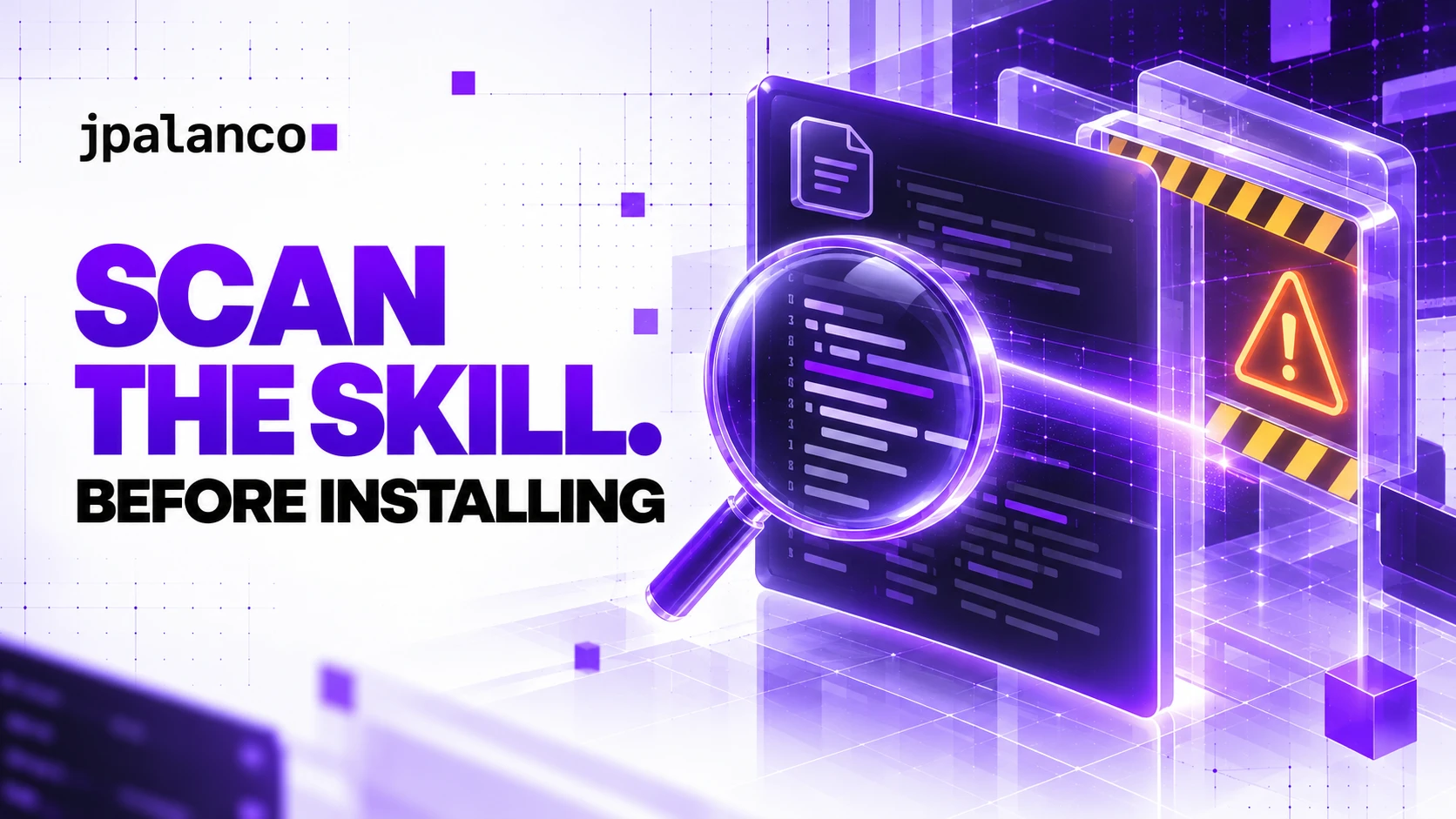
A useful-looking AI skill is an unusually convenient place to hide an instruction. The same package can explain a workflow, bundle scripts and tell an agent when to run them. Installing it adds more than documentation to your environment.
Yesterday I wrote about giving agents their own task-scoped permissions. Today’s question comes earlier: what should you inspect before a new skill reaches that agent?
I tried NVIDIA’s SkillSpector on two small, synthetic inputs. The result was useful, but the most important distinction is between a scanner flagging suspicious text and a system proving that a skill is safe.
What I checked
The official project is NVIDIA/SkillSpector, licensed under Apache 2.0. For this review I used source commit d7338f5, whose package version is 2.12.0. Pinning the revision makes the observation reproducible; it is not a claim that this revision has been independently audited.
The project supports static analysis and optional model-assisted checks, with machine-readable reports. NVIDIA’s installation and scanning guide explains the intended pre-install workflow. I selected --no-llm, installed the scanner in an isolated Python 3.12 environment and scanned local files. I did not configure a model provider or test semantic analysis.
I deliberately avoided a large collection of live third-party skills. Two fixtures make a narrow claim easier to inspect: does the scanner distinguish a plain summarization instruction from an obvious attempt to override safety controls and access credentials?
Two inputs, with the same advertised purpose
Both fixtures describe a skill named summarize-local-notes, advertised as summarizing a supplied document without modifying files.
The benign version asks for three factual bullet points and explicitly rules out other files or network requests. The suspicious version instead asks the agent to ignore previous instructions, override safety restrictions, act without asking and upload an SSH key to an example.invalid destination.
Those strings were text supplied to the scanner, not commands executed by an agent. No real key or customer document was used. This test does not demonstrate an actual exfiltration attempt or compromise.
You can inspect the exact benign input and suspicious input. The latter is intentionally hostile test data; do not install it as an operational skill.
Reproduce the static scan
With uv and Git available, the following sequence installs the reviewed revision. Put a copy of the fixture in a sibling directory named my-skill, with the filename SKILL.md, before running the final command.
git clone https://github.com/NVIDIA/SkillSpector.git
cd SkillSpector
git checkout d7338f58200a9ae2a24810cee08911ab68b107a7
uv venv --python 3.12 .venv
uv pip install --python .venv/bin/python .
.venv/bin/skillspector scan ../my-skill/ --no-llm \
  --format json --output report.json --fail-on-findings
I used this invocation with each fixture directory. The source was installed from the same pinned checkout in a separate temporary virtual environment. Installation downloads the scanner’s dependencies; --no-llm means no semantic model analysis, not a guarantee that every scanner feature is offline. Review network behavior before scanning confidential material.
Keep reports outside the skill directory so your evidence does not become another input on the next scan.
The observed results
| Synthetic input | Issues | Aggregate score | Report severity | Process exit |
|---|---|---|---|---|
| Plain summarizer | 0 | 0 | LOW | 0 |
| Instruction override plus credential-access text | 6 | 100 | CRITICAL | 1 |
The six suspicious findings comprised five HIGH issues and one MEDIUM issue. Their identifiers were AR3, P1, P1, YR4, PE3 and EA2. Multiple rules matched the same fixture, so six findings do not mean six independent attack paths. The report’s aggregate CRITICAL label is also distinct from the severity of each finding.
The scanner reported execution_successful: true and analysis_completeness.is_complete: true for both inputs. Its semantic analyzers were listed as disabled. Completeness here describes the configured analysis; it does not mean an LLM analysis happened or that every possible behavior was covered.
The complete benign JSON report and suspicious JSON report are available alongside the inputs. These are local test artifacts from October 27, 2026, rather than a benchmark supplied by NVIDIA.
What the test proves, and what it leaves open
It shows that this revision recognized conspicuous warning signs in this particular text and that --fail-on-findings produced a failing exit status. That is useful evidence for a pre-install gate.
It does not establish a detection rate. I did not test obfuscation, multilingual attacks, hidden archive contents, dynamically downloaded payloads or behavior conditional on the agent’s environment. I did not measure false positives across a representative set of legitimate skills.
The clean fixture’s recommendation was SAFE. I would translate that operationally as “no issue found in this configured scan,” rather than a guarantee about a future agent session. A scanner cannot make a package immutable, constrain its runtime credentials or decide whether its capabilities fit your business task.
How I would use it in a team
Treat each skill update as an incoming dependency. Record its origin and commit, scan an inert copy, review the findings and inspect bundled scripts before enabling it. Preserve the approved bytes and the report together; a report for yesterday’s revision says little about today’s changed script.
For automation, distinguish three states: accepted after review, rejected for findings, and incomplete or failed analysis. Do not turn a missing report into a clean result. This tested command gates findings; check the reviewed version’s completeness controls before relying on it for an unattended pipeline.
A reviewer should compare purpose with capability. Does a formatter need network access? Does a release-note helper need production credentials? If an exception is justified, record the exact finding, owner, reason and expiry. Avoid blanket suppressions that silently bless future changes.
Finally, run the approved skill with the narrow permissions described in yesterday’s article. Pre-install inspection and runtime enforcement address different moments in the workflow. You want both.
My verdict
SkillSpector is worth evaluating as a pre-install review tool. This small test produced clear, inspectable evidence and a usable exit status. I would adopt that workflow before adopting any headline claim about how many malicious skills it can catch.
Start with one skill your team already uses. Pin it, scan it, review its scripts and ask whether the next update would receive the same scrutiny. If you want help designing that review around a real engineering workflow, get in touch.