Lightpanda and the Browser an AI Agent Actually Needs

A browser can execute a page without producing the picture a person expects to see. That distinction becomes useful when the user is software.
Lightpanda is an open-source browser written in Zig, built around AI agents and automation. It runs page JavaScript and exposes a DOM, while leaving out the conventional rendering pipeline. Its engineering choice interests me more than the speed claim: how much browser does a particular task actually require?
Pixels are a workload decision
The project’s architecture documentation describes a network layer, an HTML parser, V8 for JavaScript, and native implementations of DOM and Web APIs. It does not compute a real visual layout. Its screenshot command returns a placeholder rather than a rendered page.
For extracting a title, following links or reading structured content, a picture can be unnecessary. For checking whether an overlay hides a checkout button, that picture may be the result you need.
My starting point would be the task’s success condition. “The selector returned text” and “the interface works for a customer” are different assertions. A faster engine helps only when it preserves the evidence that makes the assertion meaningful.
Familiar clients, a different implementation
Lightpanda’s client quickstart documents connections from Puppeteer, Playwright, Chromedp and Selenium. Its CDP server gives existing automation a familiar control surface.
That compatibility is an evaluation path, not a promise that every browser behavior is identical. The documentation explicitly describes incomplete Web API coverage and incomplete WebDriver specifications. I would move one representative workflow first, then inspect the returned data and failure behavior before moving a queue.
A useful first workload is a repeatable extraction from pages you control. Record the expected fields, navigation steps and completion criteria. Include a page with delayed JavaScript and an empty-result case; otherwise a fast failure can look like a successful optimization.
Read the benchmark’s unit of work
The official benchmark page reports a crawl of a 933-URL demo catalog. At 25 parallel tasks, it lists Lightpanda at 4.81 seconds and 123 MB peak memory, against Chrome at 46.70 seconds and 2.0 GB.
Those are project-published measurements, not results from my own deployment. The comparison uses separate Lightpanda processes and Chrome tabs. The methodology, machine and workload matter; the ratio is not a universal prediction for every site.
| Question | Evidence to collect in your own workload |
|---|---|
| Did the task finish? | Correct output, including missing or delayed fields |
| What did concurrency change? | Throughput and failures at several worker counts |
| What resources were used? | Peak memory and duration for the whole job |
| What requires rendering? | Screenshots, layout checks and visual interaction |
A crawler’s finish time is useful. Cost per correctly completed task is the number I would use to make an infrastructure decision.
Keep the browser boundary visible
A browser driven by an agent still handles untrusted web content. Lower memory use does not establish a security boundary. Decide where cookies live, which destinations are reachable and what credentials a task can access separately from the engine choice.
The documented local server can be bound to loopback:
lightpanda serve --obey-robots --host 127.0.0.1 --port 9222This is a configuration example from the project’s documented server options, not a benchmark run or a claim that I tested this release.
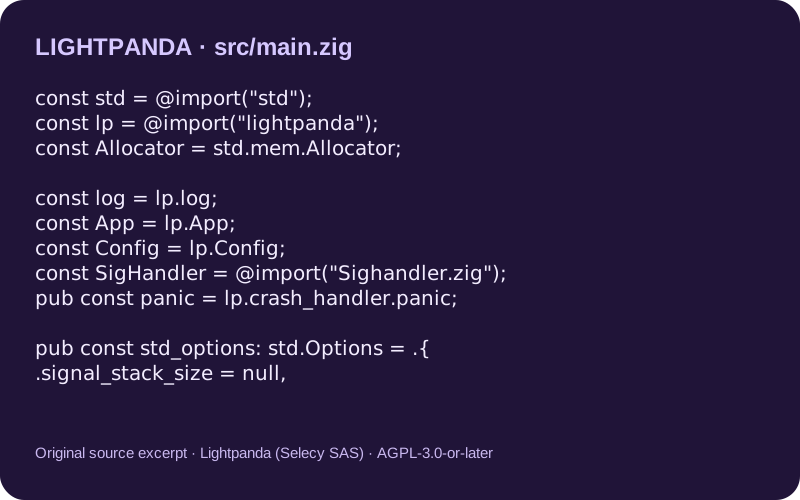
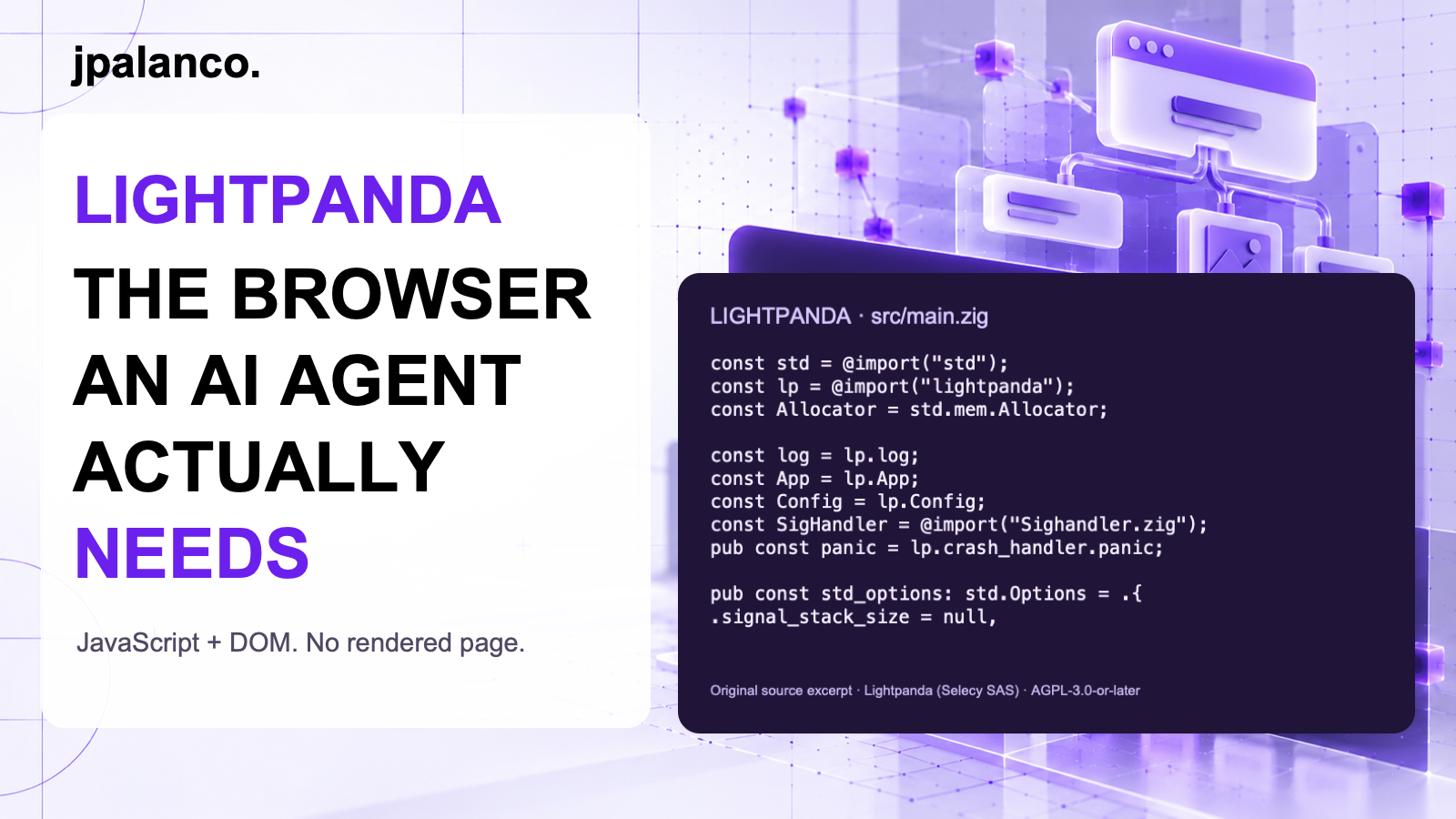
The excerpt above comes from the original source file, copyright Lightpanda (Selecy SAS), distributed under AGPL-3.0-or-later. The source copy and license accompany this article. The thumbnail uses this authentic excerpt; its surrounding illustration is conceptual.
The interesting question is what to leave out
I would evaluate Lightpanda when the output is structured data and rendering contributes little to task correctness. I would keep a full browser for workflows whose meaning depends on actual pixels.
This is the part worth watching in agent infrastructure: purpose-built tools make their tradeoffs explicit. The engineering work is deciding whether those tradeoffs fit the job.
Sources
- Lightpanda source repository.
- Architecture overview.
- Client-library quickstart.
- Benchmark methodology and results.
Follow jpalanco.com for more notes on AI, open source and software engineering.