Hermes Agent: When an AI Skill Needs a Lock

An agent that learns from its work can be useful precisely because it does not start from zero every time. It can turn a successful sequence into a reusable skill, then adapt that skill as it encounters new work. But that raises a question that is easy to overlook: who gets to change the instructions after someone has reviewed them?
Hermes Agent v0.23.0, released on November 5, adds a useful answer: a person can lock a skill while keeping it available for the agent to read and use. The project’s curator documentation explains both the protection and its limits. I find that second part just as important as the command itself.
Skills have a lifecycle
Hermes describes its curator as a background maintenance process for agent-created skills. It tracks activity and can move long-unused skills through active, stale and archived states. The documentation says the curator archives rather than automatically deleting, and treats installed hub skills differently from agent-created ones. Optional settings change some of that scope.
This is a sensible response to a problem many agent systems will face: a library can accumulate obsolete instructions, overlapping procedures and details that were once true. But a maintenance process must also know when a piece of knowledge has an owner who expects to review changes.
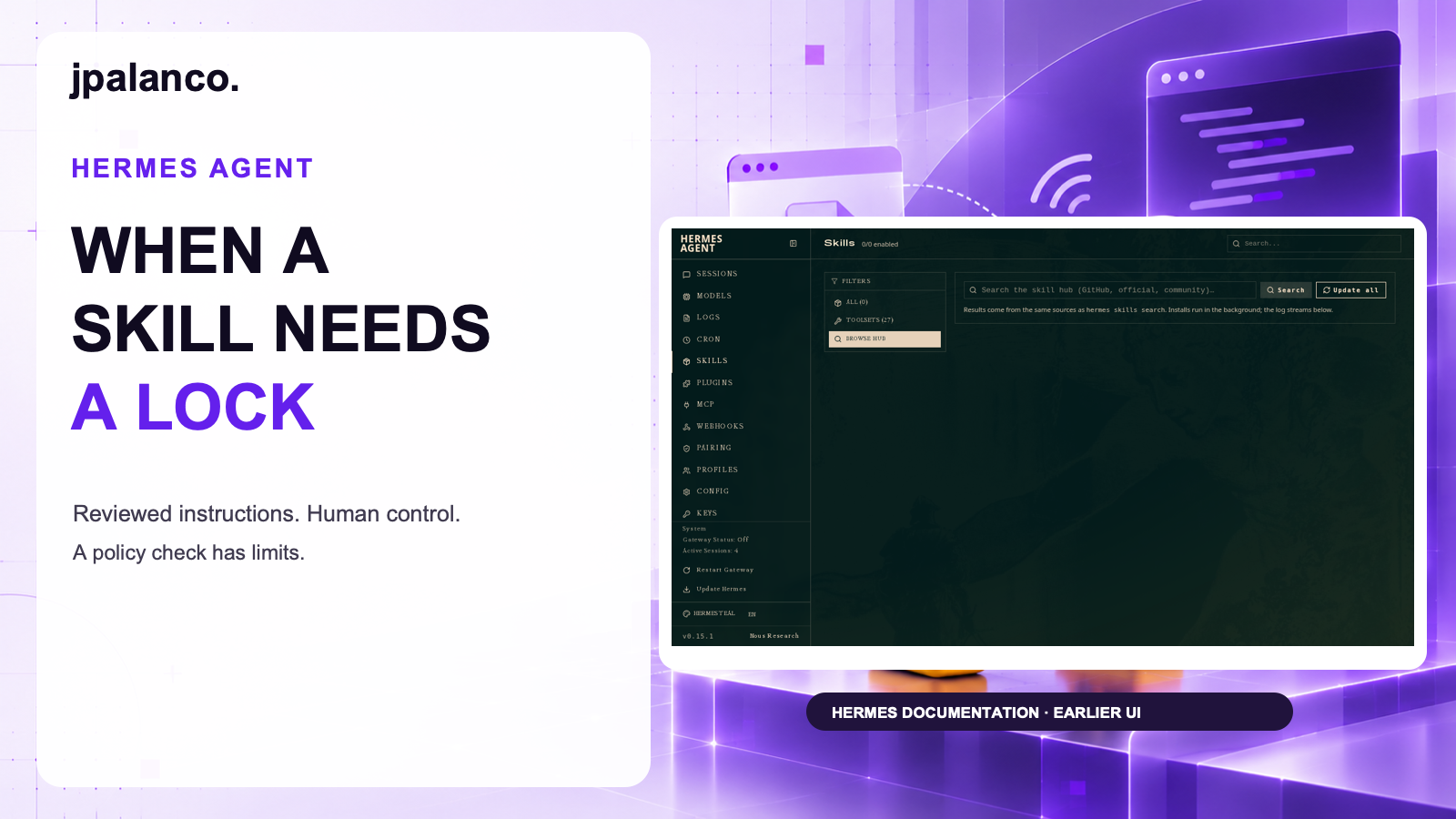
Hermes distinguishes pinning from locking. A pin prevents automatic archival; it does not prevent ordinary edits and patches. A lock is intended to prevent the agent from changing a skill while leaving that skill readable and usable. The interface screenshot in the thumbnail is an original Hermes documentation example from an older UI; it illustrates the skills area, not the new lock control.
A lock is a policy boundary
The documented commands are straightforward:
hermes curator lock <skill>
hermes curator status
hermes curator unlock <skill>
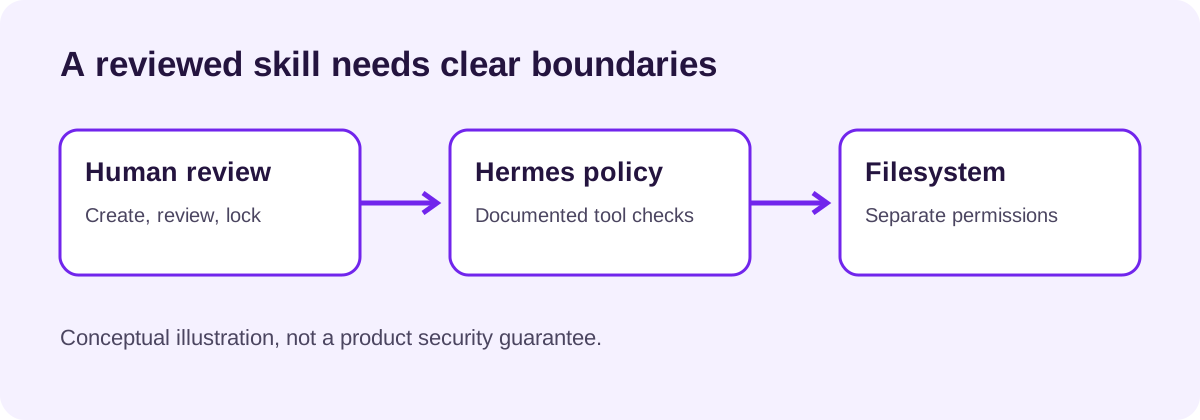
According to the project’s documentation, the lock is checked across the skill management tool and ordinary file-write paths, including certain terminal commands. The agent cannot use its normal unlock command to release the lock; the human can unlock it or edit the files directly. The lock is stored per profile, so teams with multiple profiles should check which copy they are protecting.
I would not translate that into “the agent can never alter this directory.” The same documentation calls the lock a policy check, not a sandbox: it identifies write targets in commands, but does not inspect everything a script may do internally or all execution mechanisms. It also does not prevent a bundled or hub skill from being refreshed by an update. If a hard boundary matters, pair policy with filesystem permissions and an appropriate execution environment.
That distinction is not a defect in the idea. It is what makes the feature understandable: a control has a defined job, and its implementation has a defined surface.
What I would take into a team workflow
- Separate “keep” from “do not edit.” Pinning and locking answer different questions. Decide which one applies to each runbook or reusable skill.
- Review what agents propose. A lock can preserve a reviewed instruction; it does not prove that the instruction is correct, current or safe.
- Give humans an update path. Record the reason for a lock and who can review changes. A frozen mistake is still a mistake.
- Test the boundary you rely on. Use operating-system permissions when preventing writes is a security requirement. Test your own configuration rather than assuming a policy layer covers every route.
- Revisit version and profile scope. Check the relevant profile and the effects of updates before treating a lock as a durable team-wide rule.
An agent’s ability to improve its instructions is valuable. So is the ability to say that a particular instruction has crossed from experiment into reviewed operational knowledge. The useful design question is not whether agents should learn; it is how that learning can coexist with changes a person has deliberately chosen to own.
Sources
- Hermes Agent v0.23.0 release notes, November 5, 2026.
- Hermes curator documentation at release commit
2bd378e. - Thumbnail includes the original Hermes documentation skills screenshot, © Nous Research, used under the repository’s MIT license. Screenshot shows an older documentation example.
Sources reviewed November 10, 2026. Follow jpalanco.com for more notes on AI, engineering and open source.